VPN Privacy Guide: How to Encrypt Your Internet Connection
VPN Privacy Guide: How to Encrypt Your Internet Connection
Blog Article
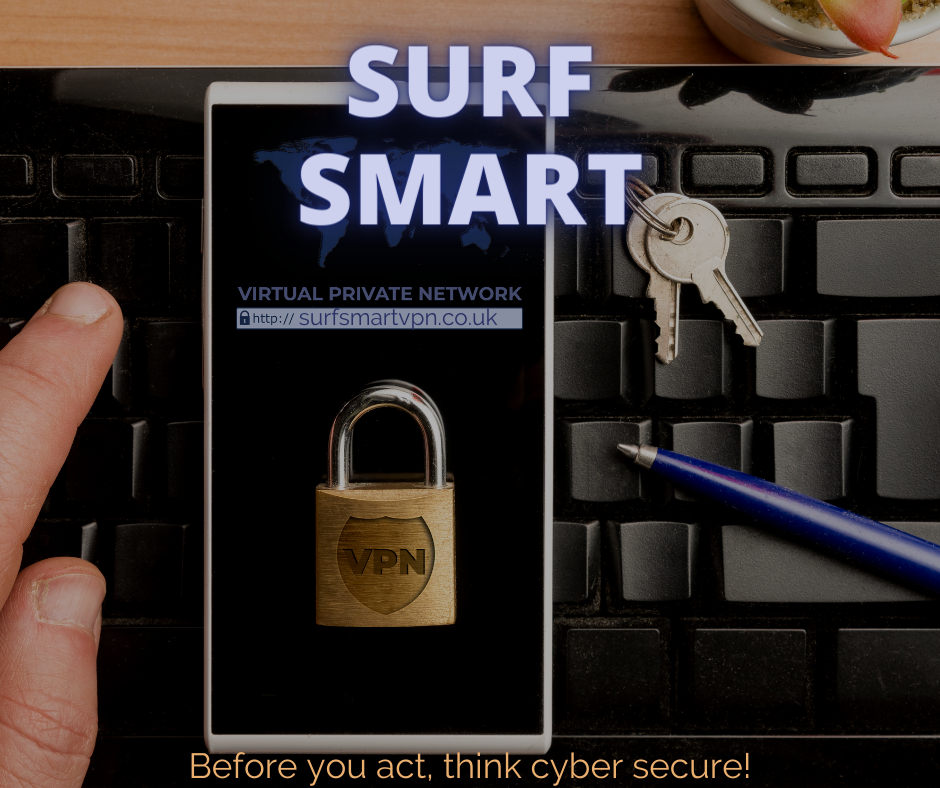
Protecting your online data is more crucial than ever, and one of the simplest ways to do that is by securing your web traffic . Essentially , encryption scrambles the content you send and receive, making it unreadable to anyone intercepting it. The easiest method for most people is using HTTPS, which uses Transport Layer Security (TLS) – formerly known as Secure Sockets Layer (SSL). Look for the padlock icon in your internet’s address bar; its presence indicates a secure, encrypted connection . You can also force HTTPS on websites you frequently visit by using browser extensions or add-ons that offer this functionality. While there are more complex techniques like VPNs and Tor, understanding and utilizing HTTPS is a great first step to maintaining better online safety.
Browse Safely: Simple Ways to Encrypt Your Online Activity
Protecting one's online security is more critical than ever. Thankfully, it doesn’t require being a tech pro. Simple steps, like using a Virtual Private Network (VPN) to hide your IP address and encrypt its internet traffic, can significantly boost get more info one's safety. Another option is employing end-to-end encrypted messaging apps for private communications; these guarantee that only the intended recipient reads the messages. Always look for websites using HTTPS (indicated by a padlock icon in the address bar) as it provides an extra layer of encryption, making sure data transmitted between its device and the site remains secure from prying eyes. Finally, consider utilizing encrypted email services to safeguard sensitive correspondence.
VPNs Explained: An Affordable Way to Protect Your Data
Worried about your data being exposed the wrong hands ? A Virtual Private Network, or VPN, offers a remarkably straightforward and budget-friendly solution. Essentially, a VPN creates a encrypted tunnel for your internet traffic , masking your actual IP address and location. This means that websites and online services will see the VPN’s server address instead of yours, making it significantly harder to identify you. Using a VPN is especially useful when connecting to public Wi-Fi hotspots , which are often unsecured and vulnerable to cyberattacks .
- Secure your browsing history
- Mask your IP address
- Browse content with greater privacy
Encrypting Web Traffic for Privacy: Methods and Tools
To safeguard your web activity and maintain personal privacy, securing web data is essential . The most prevalent method involves HTTPS, utilizing Transport Layer Security (TLS) – formerly known as Secure Sockets Layer (SSL). It establishes an encrypted link between your computer and the server's server. Several tools aid in this; for illustration, web browsers like Chrome, Firefox, and Safari automatically handle HTTPS where available. Users can further enhance your security by using browser extensions or VPNs (Virtual Private Networks) that force HTTPS connections and encrypt all the outbound traffic, acting as an additional layer of protection against eavesdropping and data interception . Think about employing these techniques to reinforce your online privacy.
VPNs - The Ultimate Guide for Beginners
Ever felt like your online activity is being watched? This technology creates a secure, encrypted connection between your device and the internet, essentially acting as a pathway to protect your data. It hides your IP address, making it seem like you’re browsing from a different location – this can be useful for accessing geo-restricted content or just maintaining your privacy. Think of it as wearing an invisibility cloak online; it prevents your internet service provider (ISP), advertisers, and even government agencies from easily tracking what you do. Setting up a VPN is surprisingly straightforward – many providers offer simple apps for various devices like computers, smartphones, and tablets. While certain free options exist, paid services generally offer better speed, security, and server locations, ultimately giving you a more reliable and private online experience that's well worth the investment.
Budget-Friendly VPN Choices : Secure Your Surfing on a Limited Funds
Protecting your digital footprint doesn't have to be expensive! Several trustworthy VPNs offer very reasonable plans, making it possible to keep your information private without emptying your wallet . Look for providers with flexible subscription models , free trials, or even limited-feature free versions. While these less pricey solutions might not include every bell and whistle of their premium counterparts, they still provide a crucial layer of security against malicious actors and trackers while you're accessing the internet at public hotspots or simply want increased anonymity.
Securing The Web Traffic & Defend Yourself from Suspicious Eyes
To ensure your privacy online, encrypting your web traffic is absolutely essential . This process involves using protocols like HTTPS – look for the padlock icon in your browser's address bar; it signifies that the exchange between you and the website is secured. Consider utilizing a Virtual Private Network (VPN) to further protect your information ; a VPN creates a protected tunnel, masking your IP address and routing your traffic through an intermediary server. Another excellent option involves employing the Tor browser, which bounces your connection across numerous relays for increased anonymity and improved resistance against tracking – though be aware this can significantly impact performance . Finally, always make sure your web browser is up-to-date; frequent updates often include vital security patches that help defend against emerging threats.
Private Browsing Made Easy: Encryption Tips and Tricks
Want to surf the web with increased anonymity ? Utilizing private browsing mode is a great beginning , but understanding basic encryption can really improve your protection. First, make sure your browser supports HTTPS – look for the padlock icon in the address bar; it means data is secured during exchange. You can also use a VPN (Virtual Private Network) to further shield your IP address and direct your connection through a shielded server. Finally, be mindful of the locations you visit; even with encryption, harmful sites can still pose risks. Frequently clearing your cache is a good habit too to minimize lingering data.
Are a Virtual Private Network Beneficial? Understanding How They Protect Web Communications
So, is a Virtual Private Network valuable the expense? Essentially, these tools establish an protected tunnel for your internet traffic, shielding it from prying eyes. Without one, your data – including online history and personal data – can be visible to your Internet Service Provider (ISP), potentially hackers on public Wi-Fi networks, or even government agencies. A VPN functions by routing your internet activity through a server in a location of your choosing; this masks your real IP address and codes the data transmitted, making it virtually unreadable without the decryption key. This encryption provides a significant layer of privacy and security, particularly when using public Wi-Fi or wanting to bypass geographical restrictions on content – but consider if the level of protection is necessary for your own use case.
Protect The Link: A Detailed Manual to Web Traffic Coding
Ensuring your online safety is more vital than ever. Protecting your web traffic prevents eavesdropping and unauthorized access to your information. This simple process, often called using HTTPS, essentially transforms your data into an unreadable format for anyone but the intended recipient. You can typically verify encryption by looking for a padlock icon in your browser's address bar – it signifies that the website is employing SSL/TLS. To ensure a secure session, always confirm this icon and observe that the URL begins with "https://" (instead of just "http://"). Latest browsers automatically handle much of this, but being aware of these indicators can help you remain vigilant about your online footprint.
Budget-Friendly Protection: Reasonable Options for Protected Web Surfing
Concerned about your online presence but worried about the expense? You don't need to break the bank to enjoy increased privacy. Several simple and relatively low-priced solutions exist for encrypted browsing, including free VPNs (though be aware of their limitations), private search engines like DuckDuckGo, and browser extensions that block trackers and ads. Consider using the Tor network – while it can impact speed, it offers a high level of anonymity. Also, leveraging built-in features in your present browser or exploring open-source alternatives like Firefox with privacy extensions are excellent ways to regain control over your online data without a significant financial strain. Remember, even small changes can make a big difference in safeguarding your digital life.
Beyond HTTPS: Advanced Techniques for Encrypting Web Traffic
While standard HTTPS provides a solid foundation for secure web traffic, multiple advanced techniques offer even greater protection and privacy. Considerations like Transport Layer Security (TLS) 1.3, which offers improved performance and security, are increasingly important. Furthermore, technologies such as Perfect Forward Secrecy (PFS), ensuring that past sessions remain uncompromised even if a private key is later exposed, become necessary. Sophisticated solutions like Encrypted Client Hello (ECH) aim to encrypt the initial handshake, preventing eavesdropping on protocol versions and cipher suites selected. The move towards post-quantum cryptography also represents a future necessity for securing web communications against emerging threats from quantum computers. Ultimately, a layered approach combining these processes enhances the overall security posture of modern web applications.
Report this page